Download Simplex
The server for Windows, and the free app for Android phones and TVs.
Current build
…
Windows 10 and 11, 64-bit
- File
- SimplexSetup.exe
- Size
- …
- MD5
-
…
Already have Simplex? Run the same installer to update it. It keeps your library, accounts and web address, and asks you nothing.
When you run it
- It asks for your email and setup code, from the email saying your account was approved. No code yet? Leave both empty: Simplex still works on your own network, and you can run the installer again when the code arrives.
- It asks where your films and TV shows are. You can skip this and do it later.
- When it finishes it opens your own address in the browser. Sign in there with your email, and the setup code as your password the first time.
Windows only, for now. There is no macOS or Linux build, and this installer will not run on either.
On your phone (Android)
Free. Watch your library, or one somebody shared with you, on an Android phone or an Android TV box. Not on the Play Store yet, so it downloads straight from here.
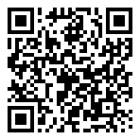
Scan with the phone's camera, or on the phone tap:
Download for AndroidSimplex.apk · about 74 MB · Android 7 or later
- Open the downloaded file (from the notification, or Files > Downloads).
- Android says it cannot install apps from unknown sources. Tap Settings, turn on Allow from this source, then go back.
- Tap Install. If Play Protect warns about it, tap More details > Install anyway.
- Open Simplex. Type the server name you were given (for example ulanow), then your email and password.
On an Android TV box: install Downloader from the Play Store, and type s.ch13.ca in it. iPhone: not yet.
New here?
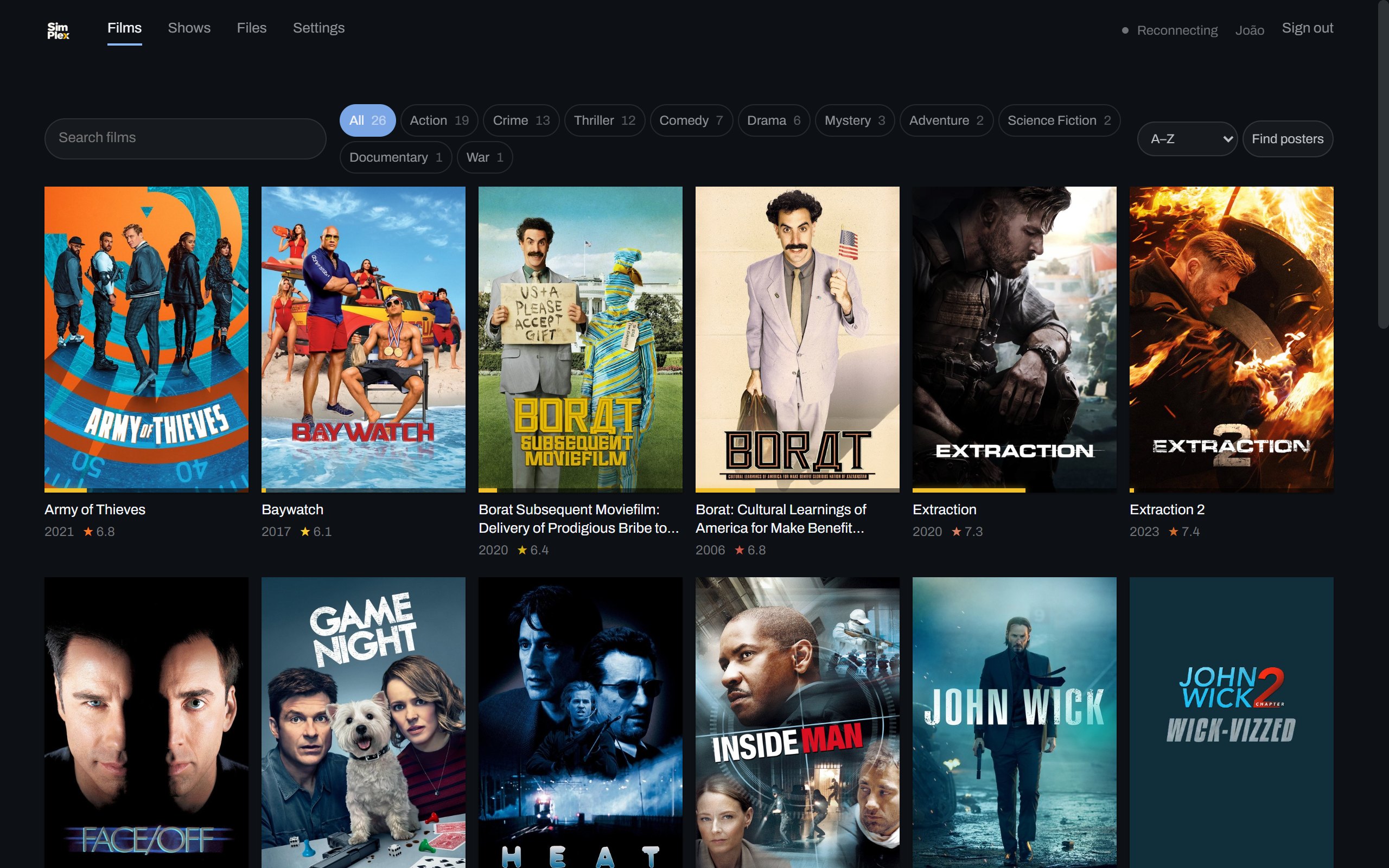
Simplex turns a computer you already own into your own film library. It reads the folders your films are in, works out what each one is, and puts them on a wall of posters you can open from your phone anywhere, at home or on a train.